Govern ML, Pipelines, and Apps
Clusters and warehouses are where governance usually starts, but the same waste and hygiene problems live in model serving endpoints, pipelines, Lakebase, and Databricks Apps. Kostavo ships policies for each. The pattern is always the same: a dedicated profile, assigned where those resources live, filtered views to work the results.
The full list of policies per resource type is in the policy catalog.
Model Serving
The classic problem: endpoints provisioned for a demo, still billing three months later, scale-to-zero never enabled.
Build a serving profile around:
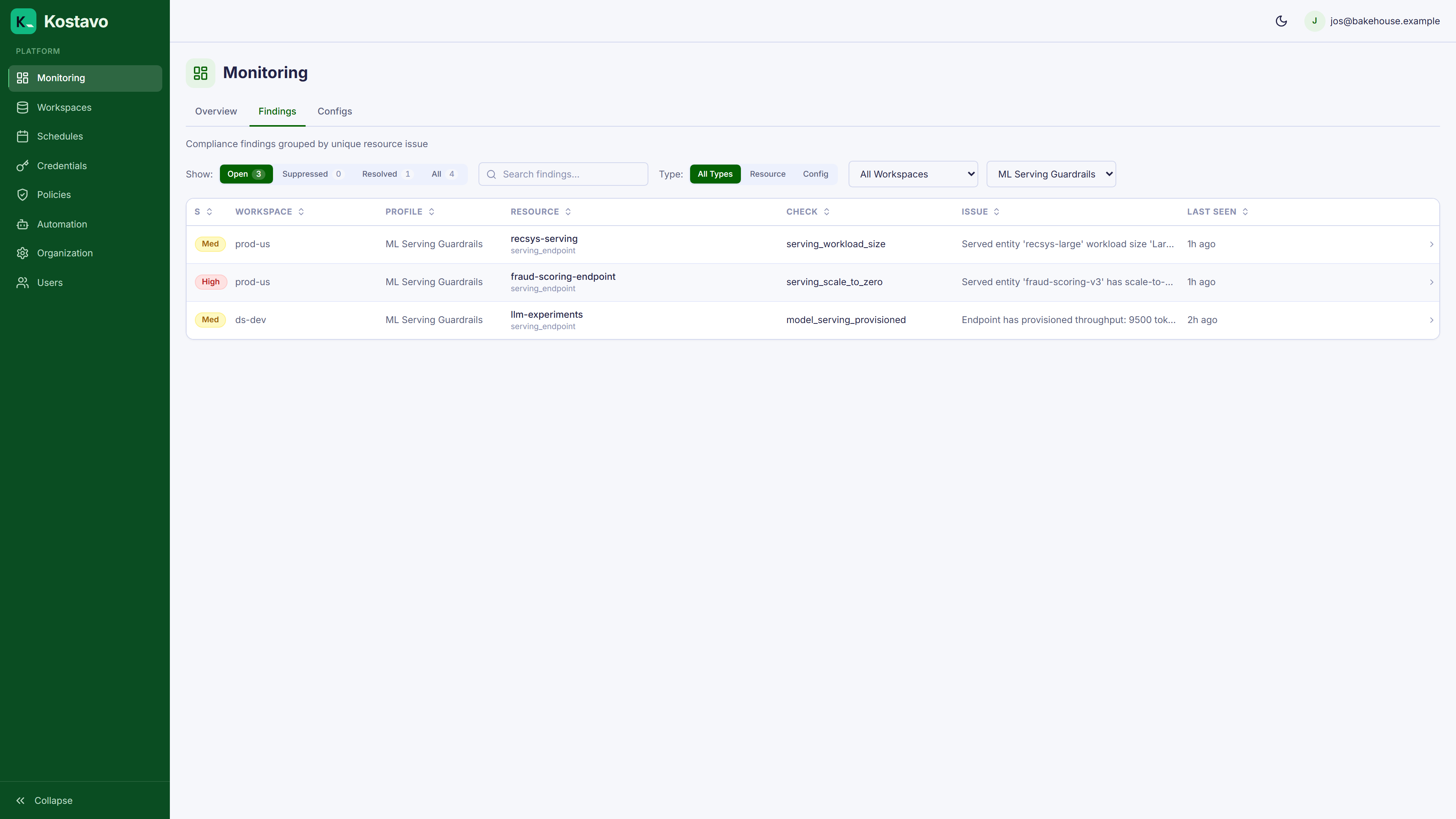
serving_scale_to_zero: flags endpoints without scale-to-zero, Fix mode enables itmodel_serving_provisioned: flags provisioned-throughput endpoints worth reviewingserving_workload_size: flags oversized serving workloads
Assign it to the workspaces that host serving, then filter findings by that profile:
Jobs and Pipelines
Reliability hygiene rather than pure cost:
job_failing_repeatedly: a job failing run after run, burning compute to produce nothingjob_no_timeoutandjob_no_retry_policy: jobs that hang forever or fail without retryingpipeline_failed: failed declarative pipelinespipeline_continuous_mode: continuous pipelines that could run triggered instead
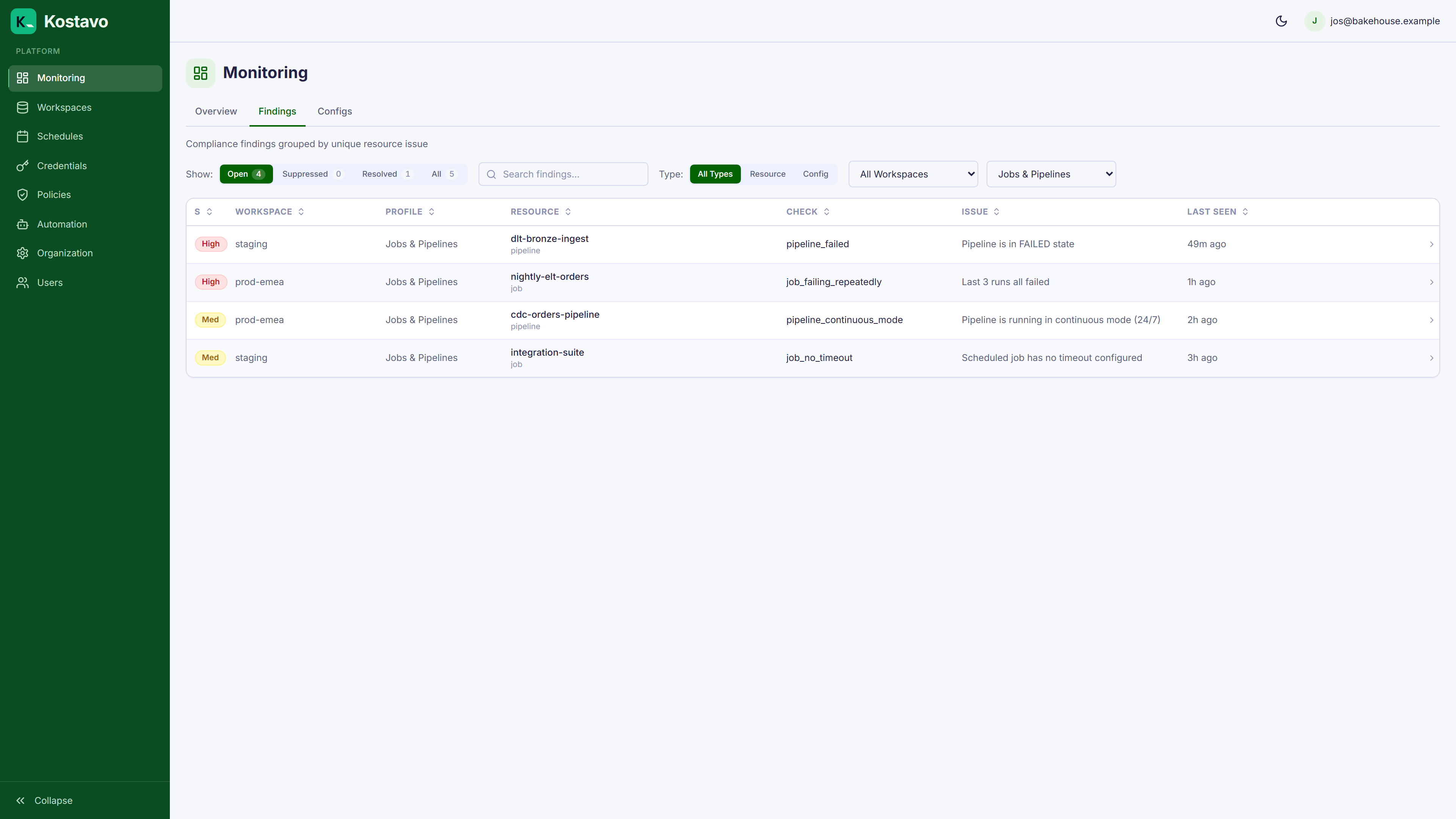
Key point: job_failing_repeatedly supports Fix mode, which disables the job trigger. That is invasive by design; keep it in Notify until you trust the signal.
Lakebase
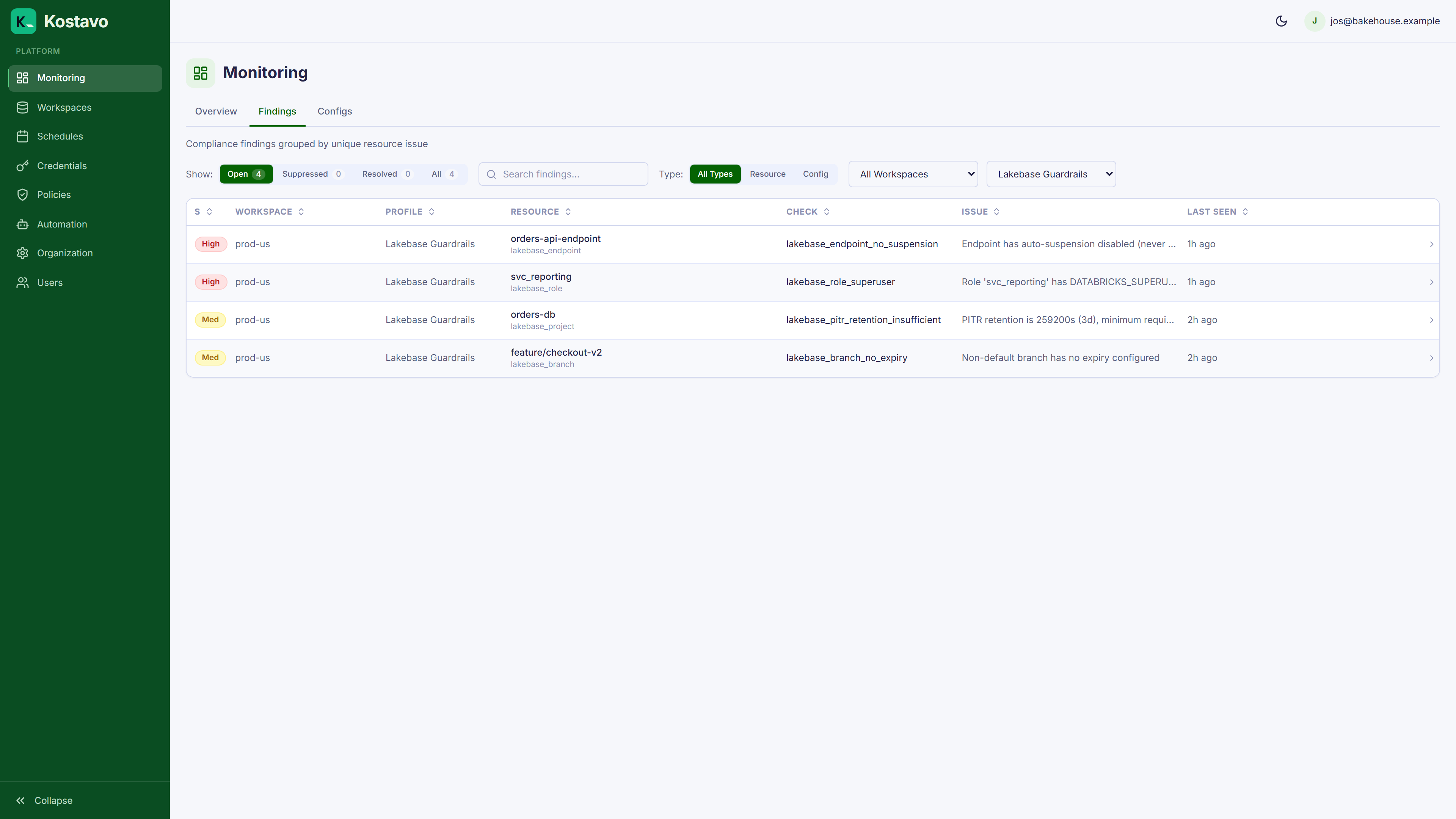
Postgres-compatible Lakebase brings database-shaped problems:
lakebase_endpoint_no_suspension: endpoints that never suspendlakebase_branch_no_expiry: branches without an expiry, accumulating foreverlakebase_pitr_retention_insufficient: point-in-time-recovery retention below your floorlakebase_role_superuser: roles with superuser that should not have it
Databricks Apps
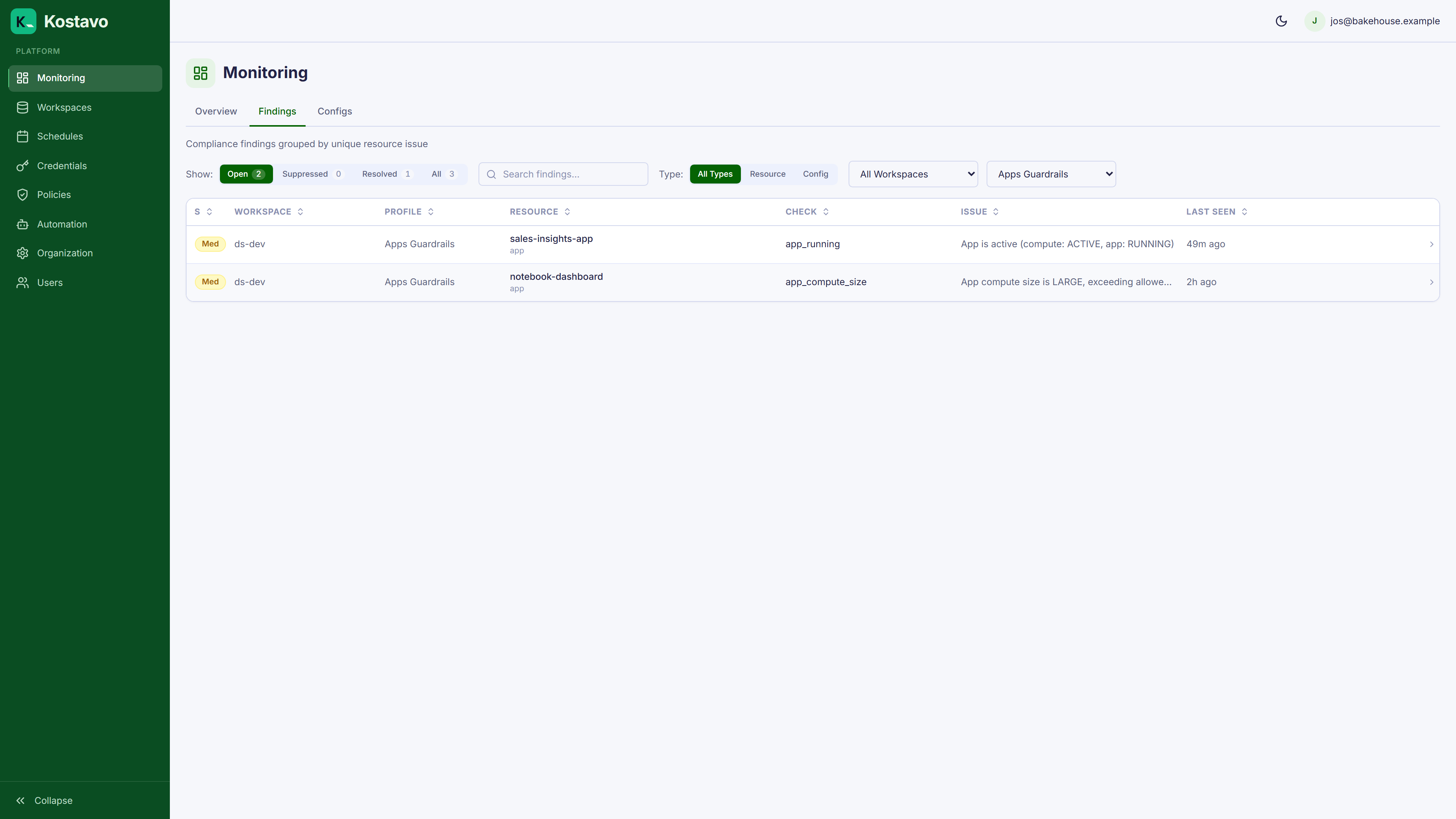
Apps are easy to start and easy to forget:
app_running: apps running continuouslyapp_compute_size: apps on larger compute than neededapp_schedule: apps without a start/stop schedule
Rolling It Out
- Create one profile per resource area instead of stuffing everything into one profile. Separate profiles mean separate assignments, separate owners, and filterable findings.
- Start every policy in Notify, review a week of findings, then promote the clear-cut cost policies to Fix.
- Assign by tag rule if the resources cluster by workspace (e.g.
workload: mlgets the serving profile). - Pair aggressive Fix policies with a business-hours schedule where interruptions during the day would hurt.
Related
- Reference: Policy catalog for every policy and its supported modes
- Concept: Policy profiles
- Guide: Automate a weekend shutdown for the schedule pattern