Authentication
Kostavo supports email-based signup and Microsoft SSO. This page covers creating an account, creating an organization, and joining one by invite.
Creating an Account
- Go to app.kostavo.com/signup
- Enter your work email and click Continue with Email, or use Continue with Microsoft to sign in with your Microsoft account
- With email signup, you receive a verification link. Click it to verify your address.
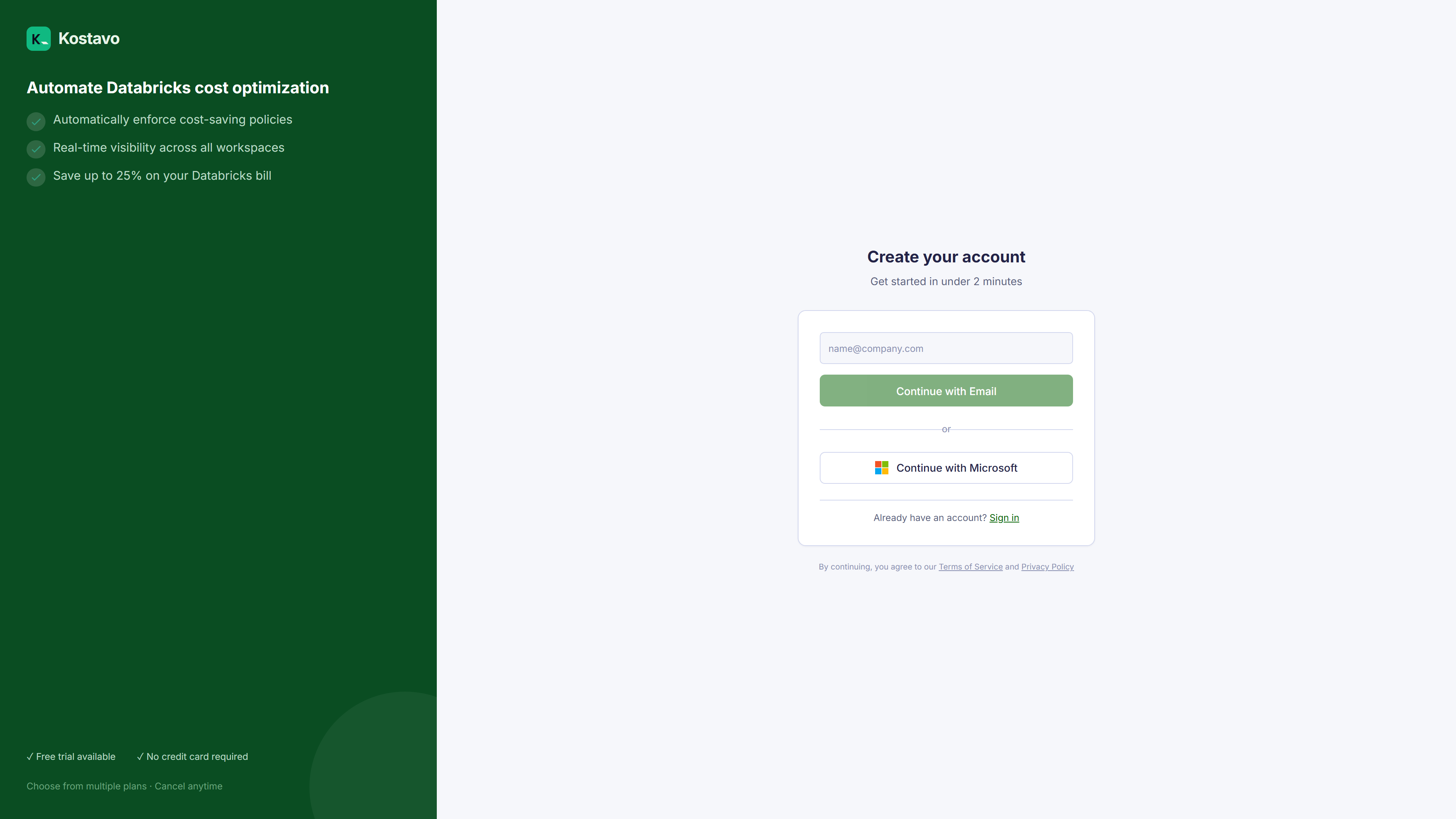
Key point: Microsoft SSO is the fastest path for organizations on Microsoft Entra ID. No password to manage, and your identity provider stays in control.
Creating an Organization
After your first sign-in you name your organization:
- Enter the Organization Name. It is used in URLs, so stick to lowercase letters, numbers, and hyphens.
- Enter the Billing Email
- Choose your plan and click Start Free Trial
You become the organization Owner. See Users and roles for what each role can do.
First Steps After Signup
Kostavo asks how aggressive automation should be:
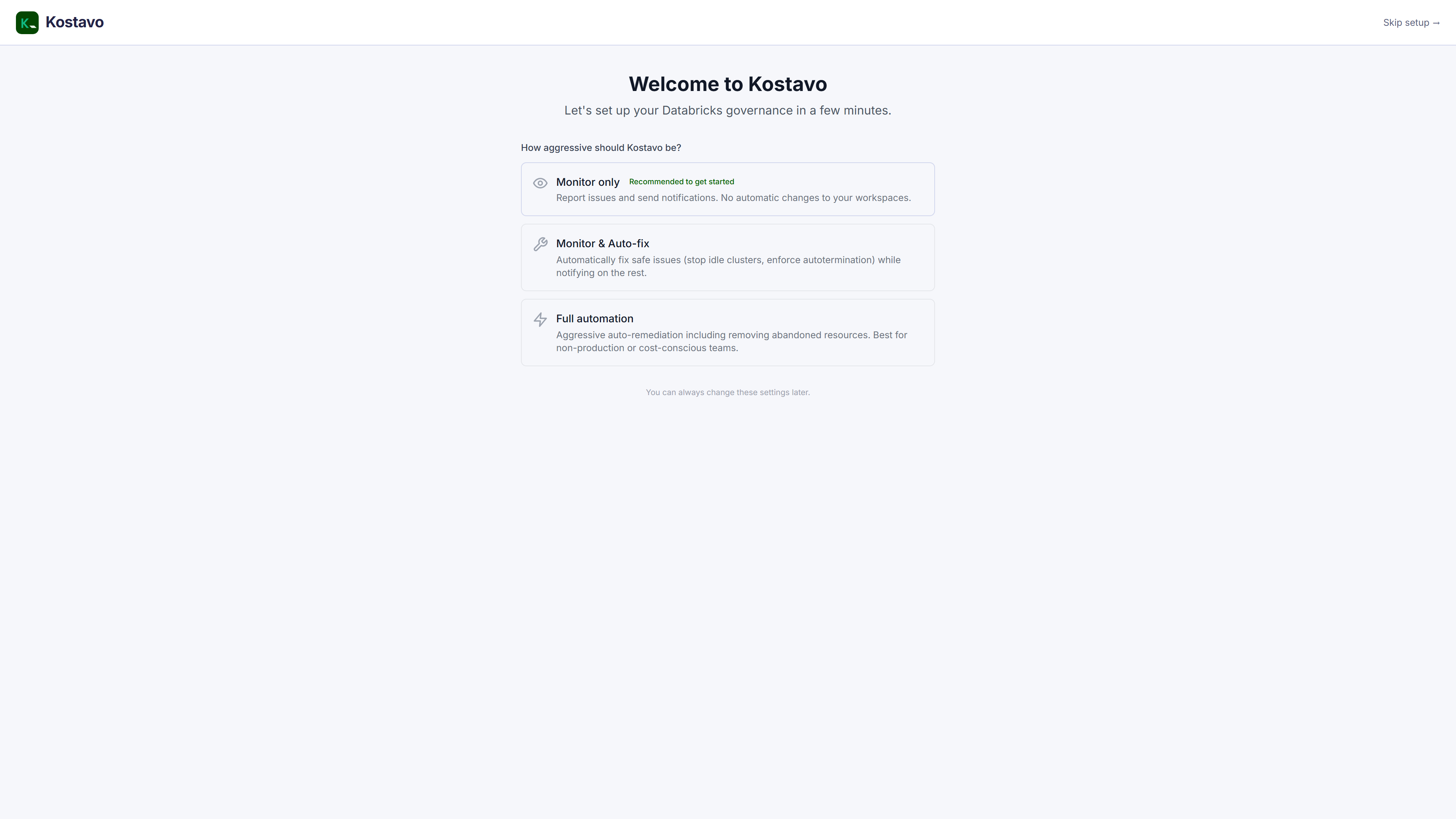
- Monitor only: detect and report, never change anything. Recommended to get started.
- Monitor & Auto-fix: apply safe corrective actions like stopping idle compute
- Full automation: fix and remove non-compliant resources
You can change this at any time. It only sets the starting point for the profiles you create later.
Joining an Existing Organization
If your organization already uses Kostavo:
- Ask an Admin or Owner to invite you (see Users and roles)
- Open the link in the invitation email
- Complete the signup or SSO flow
You join with the role the inviter assigned.
Signing In
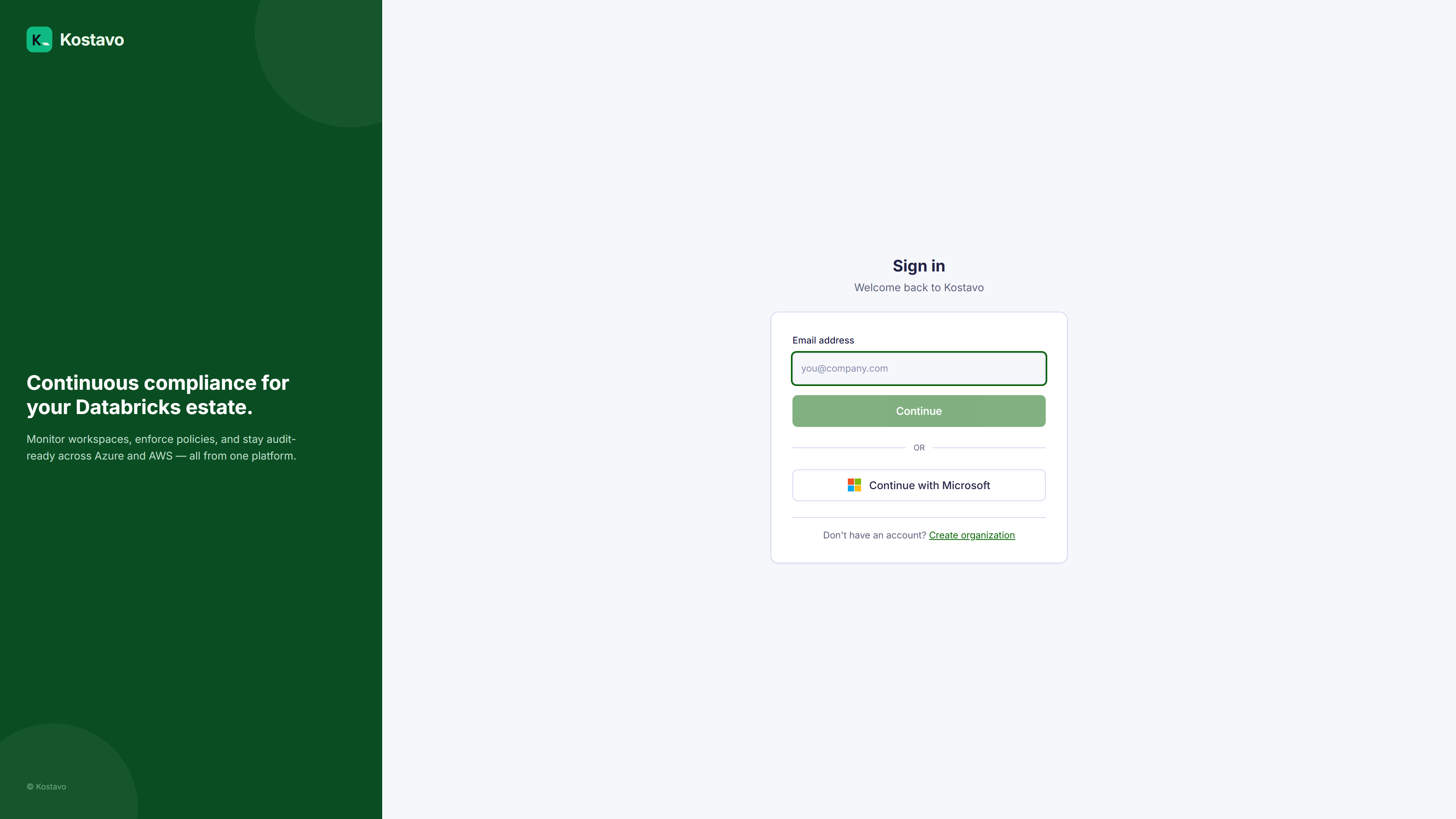
Returning users sign in at app.kostavo.com/login with the same method they signed up with.
Next Steps
- Your first 30 minutes: from empty organization to first findings
- Dashboard tour: learn the monitoring home screen