Notification Channels
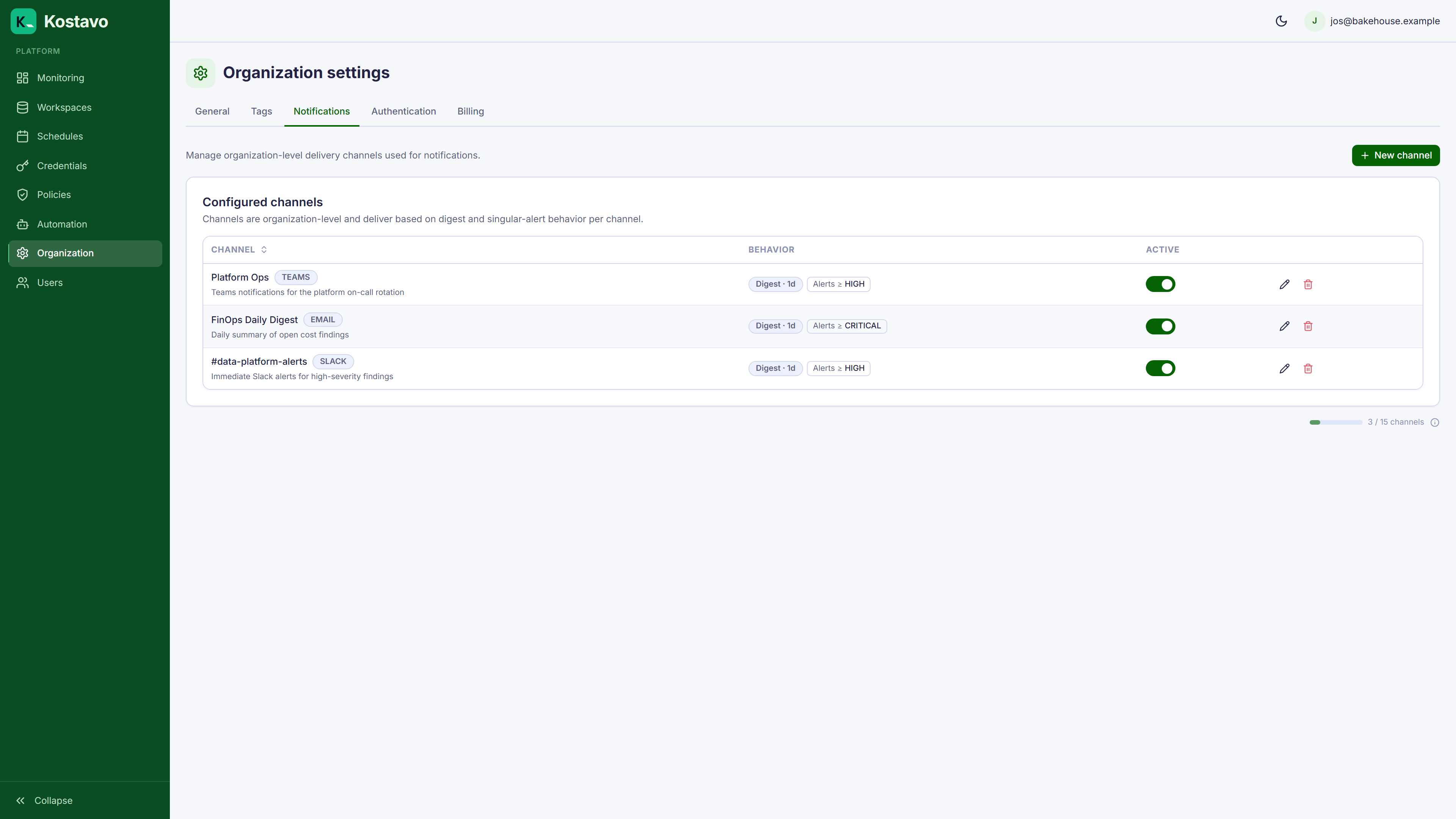
Kostavo sends notifications about policy findings through configurable channels. Each channel defines where alerts go and how often.
Channel Types
| Type | Configuration |
|---|---|
| List of email recipients | |
| Slack | Webhook URL for a Slack channel |
| Microsoft Teams | Webhook URL for a Teams channel |
| Webhook | Custom webhook URL (receives JSON POST) |
Delivery Modes
Each channel has two independent delivery modes:
Digest
Batches findings into a periodic summary. The digest interval is tied to your policy scan frequency: each digest is sent after a scan completes, so you receive one consolidated report per scan cycle.
| Setting | Description |
|---|---|
| Enabled | Toggle digest notifications on/off |
Immediate
Sends a notification as soon as a finding meets the severity threshold. Good for critical issues that need fast response.
| Setting | Description |
|---|---|
| Enabled | Toggle immediate notifications on/off |
| Severity threshold | Minimum severity to trigger: critical, high, medium, or low |
For example, set the threshold to high to get immediate alerts only for high and critical findings.
Creating a Channel
- Navigate to Organization → Notifications
- Click New channel
- Select the channel type
- Configure the recipient (emails or webhook URL)
- Set digest and/or immediate delivery preferences
- Save
Testing a Channel
Use the Test channel button in the channel editor to send a test message. Kostavo reports delivery success or the exact error.
Webhook Format
For generic webhooks, Kostavo sends a JSON POST with finding details including resource type, name, severity, action taken, and workspace information.
Related
- Guide: Set up Slack and Teams notifications walks through a channel end to end
- Concept: Findings explains what triggers a notification